Compression you can see
Tune quality against the output file size instead of guessing from a percentage.
Private image editor
Compress, pixelate, and deliberately ruin images without sending them anywhere. Choose a preset, see the byte count, download the version you mean to make.
No account, watermark, or upload queue. The file never leaves your browser.
Waiting for an image
A smaller image and a low-quality image are not always the same thing. Sometimes you need a file that fits an upload limit. Sometimes you need the unmistakable crunch of a heavily recompressed image. This tool lets you decide which data to lose and see the trade-off before you export.
It is for intentional degradation, not smart compression that tries to hide every change.
Every control changes a different kind of image loss, so you can choose the trade-off instead of guessing.
Tune quality against the output file size instead of guessing from a percentage.
Use pixel blocks, colour push, and noise as an effect rather than an accident.
The source file, preview canvas, and export remain in this browser session.
There is no hidden optimisation step. Pick an image, pick the type of damage you want, inspect the result, and export it.
Drop, choose, or paste a JPG, PNG, or WebP image.
Start from a preset, then tune quality, size, and distortion.
Read the byte count and compare both frames before downloading.
Start from a known outcome, then change one control at a time while the original stays visible.
Choose a starting point based on the result you need, then inspect the detail that matters before exporting.
A smaller upload
Start with
Web 200 KB
Watch for fine text and skin detail.
A recognisable quick copy
Start with
Quick Compress
Watch for the output size, not just quality.
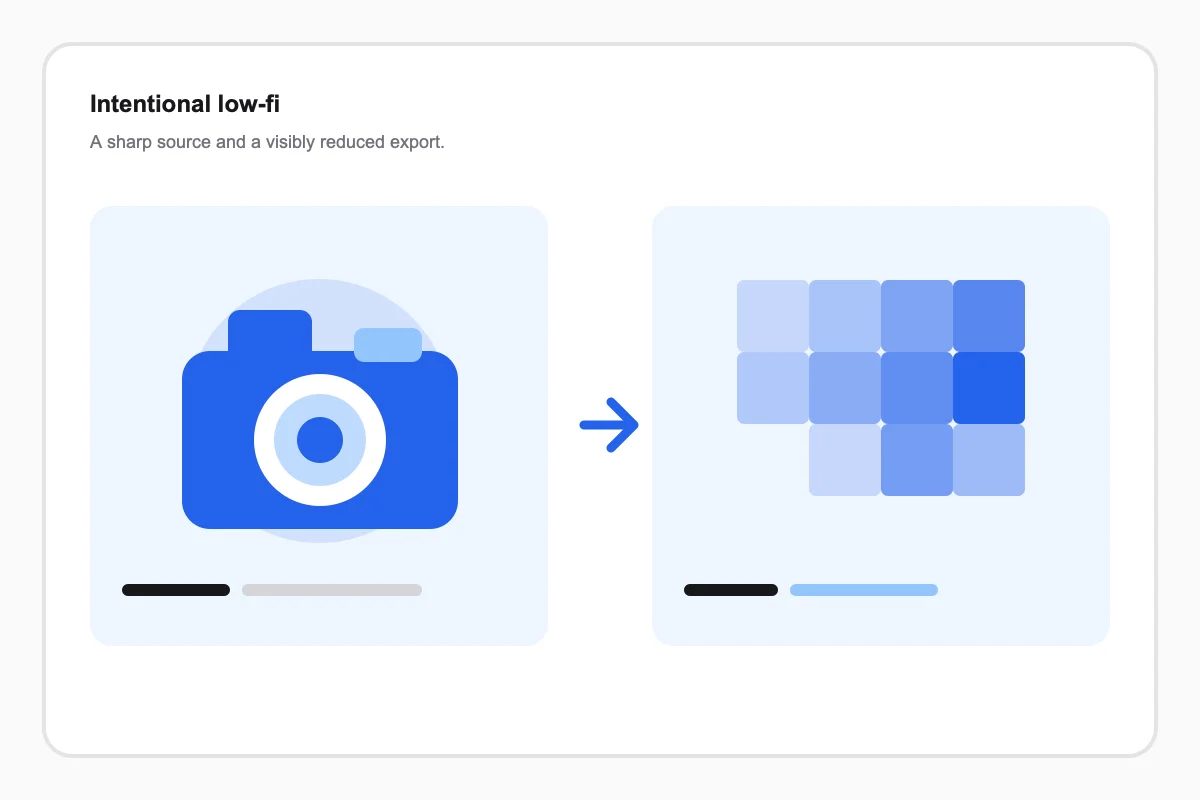
A visible low-fi effect
Start with
Pixelated
Watch for whether blocks support the composition.
An intentionally ruined meme
Start with
Deep Fried
Watch for colour clipping and readability.
Use the focused guide when the next image needs a different kind of loss.